Renovation Hub · for customers, crews and Specialists

Your whole renovation
in one app

Follow your renovation from anywhere, with your crew, your Specialist and Ara AI in the same chat. For remodels, ADUs and commercial build-outs.

A smiling family on a sofa looks at a phone together to check their home renovation
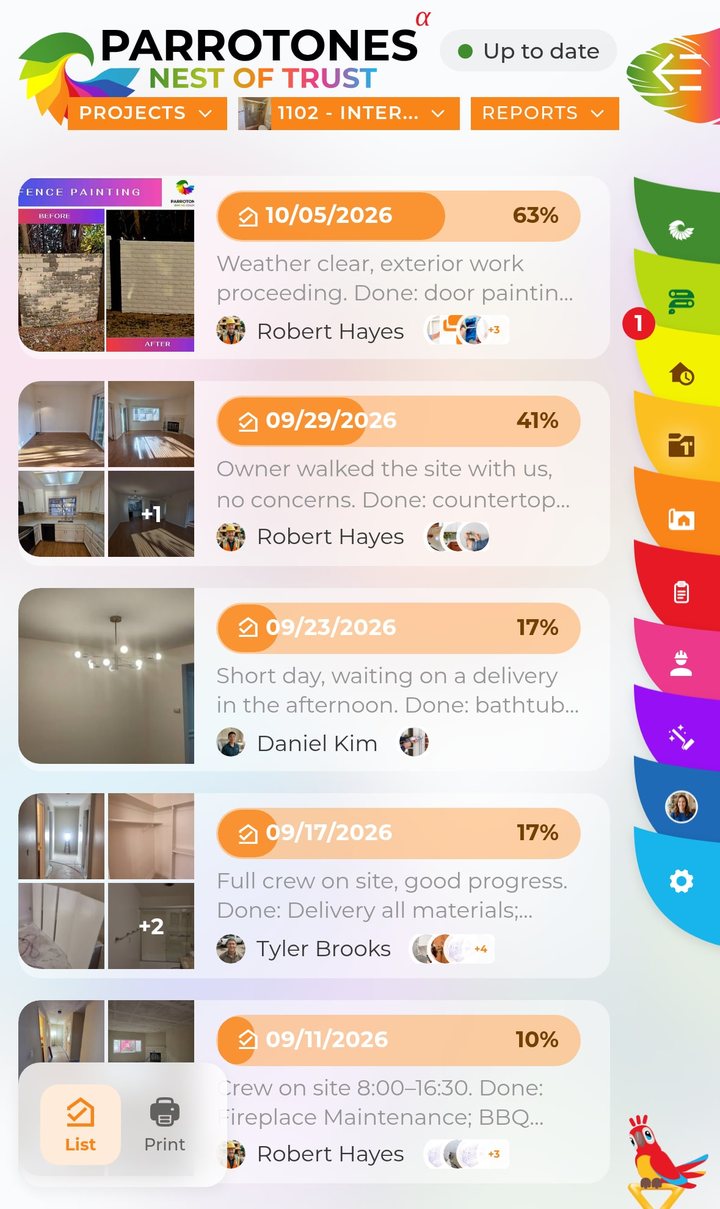
Renovation Hub app: list of daily reports with photos and progress

Everything in one place

Messages, people and reminders for the whole renovation.

One hub

Texts, emails and group chats — replaced

Every project has one chat for you, the crew and the Specialist. Photos, files and decisions sit next to the work they belong to.

Ara AI

Ask Ara anything

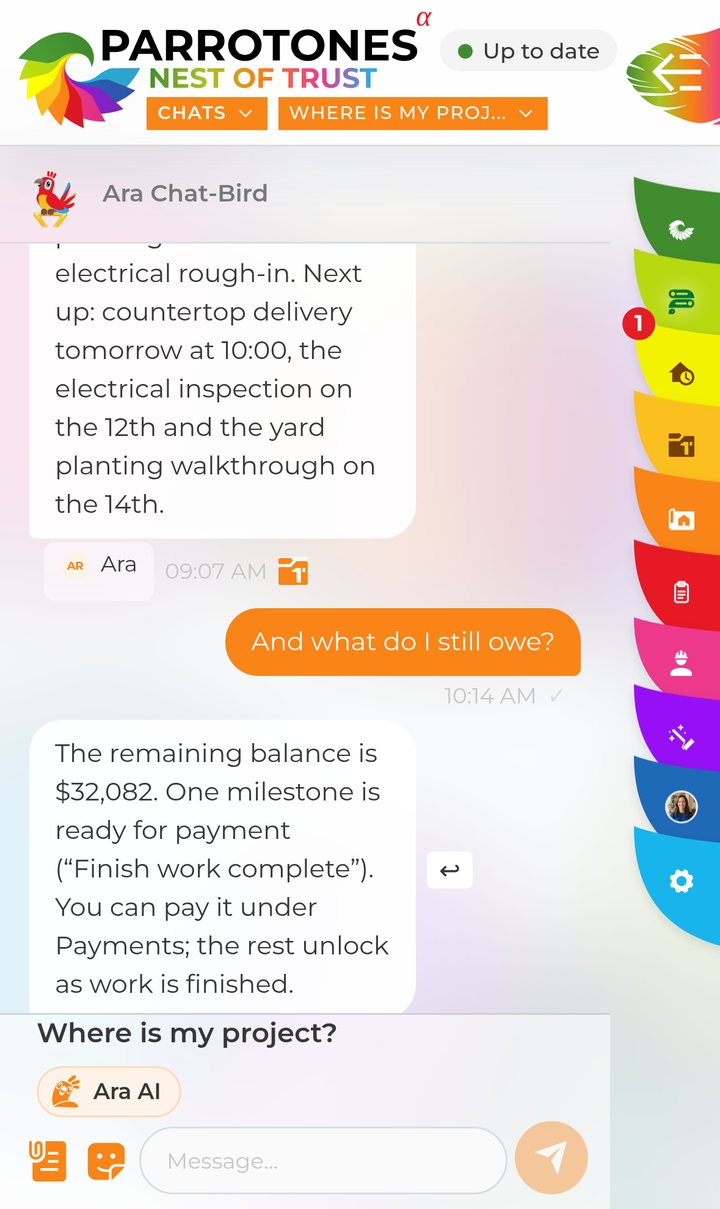
“Where is my project?” “What do I still owe?” Ara reads your scope and reports and answers in seconds.

Renovation Hub app: Ara AI answers about upcoming visits and the remaining balance
Reminders

Never miss a visit

A push when a bid, a report or a change needs you, and a reminder before every visit, delivery and inspection.

People, not tickets

A real Specialist, one call away

Chat, call or video-call your Specialist or crew right from the project. After the call, Ara posts the summary to the chat.

Live camera

Watch the site from your phone

Add Video Surveillance to any project, day or night.

Hotline

One number for anything about your project.

Everywhere

Web, iPhone, Android

Works offline too: reports and photos sync when you are back online.

One app, three roles
Blue pictogram of a homeowner checking a renovation on a phone

Customer

Orders a scope, compares bids, signs, follows the build and accepts the work.

Purple pictogram of a worker in a hard hat using a drill

Crew

Gets scoped offers, bids, plans purchases, files daily reports, closes the punch list.

Orange pictogram of a specialist with a clipboard inspecting a wall

Specialist

Writes the scope, runs the bids, checks reports, prices changes, keeps everyone on track.

How your project runs in the app

Six stages, one place. Tap a stage to see it.

Stage 1 · Scope

One Scope of Work, written once

A Specialist visits once, or reviews your photos and video, and writes the scope: every room, operation and material.

Know what is included

Every operation and material, with photos and quantities. If it is not in the scope, it is not in the price.

Yours to keep

Approve it in the app and keep it, whoever you hire.

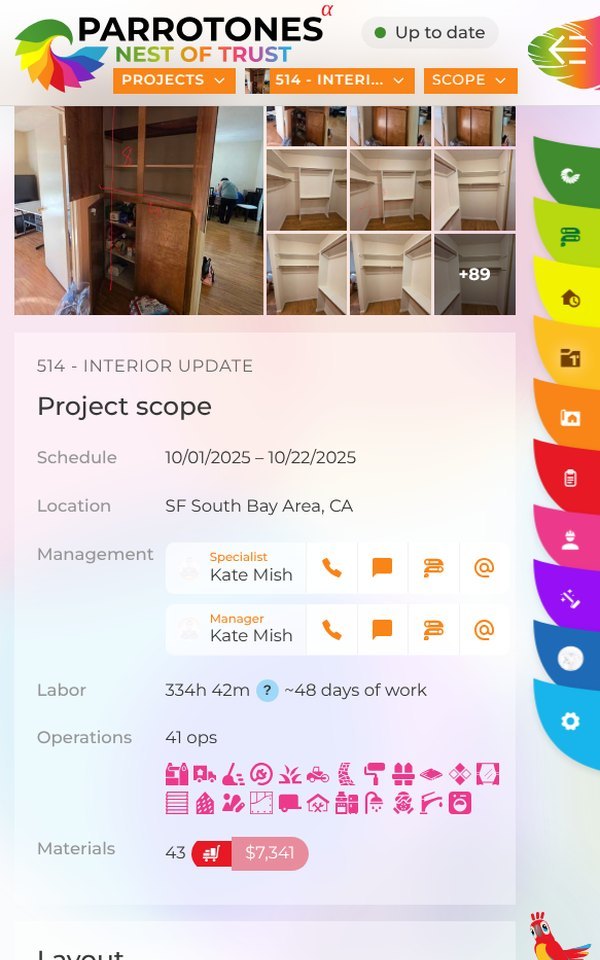
Renovation Hub app: project scope with schedule, Specialist, labor, operations and materials
Stage 2 · Bids

Bids side by side, with a market price

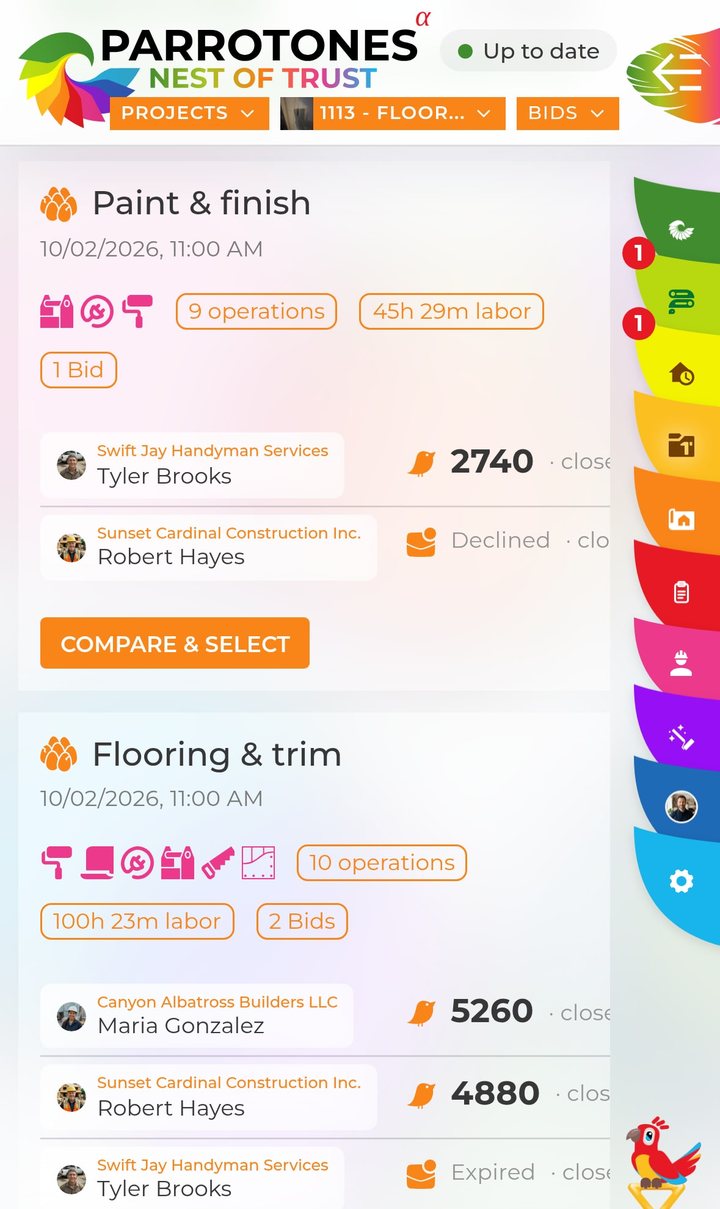
Vetted crews price the same scope, line by line. Next to their bids you see a market price for your area.

Same scope for every crew

You compare prices, not guesses.

Market price for your area

Built from recent local bids and market research.

3 bids in 7 days, or your scoping fee back.

Renovation Hub app: bids from several crews for each scope of the project
Stage 3 · Contract

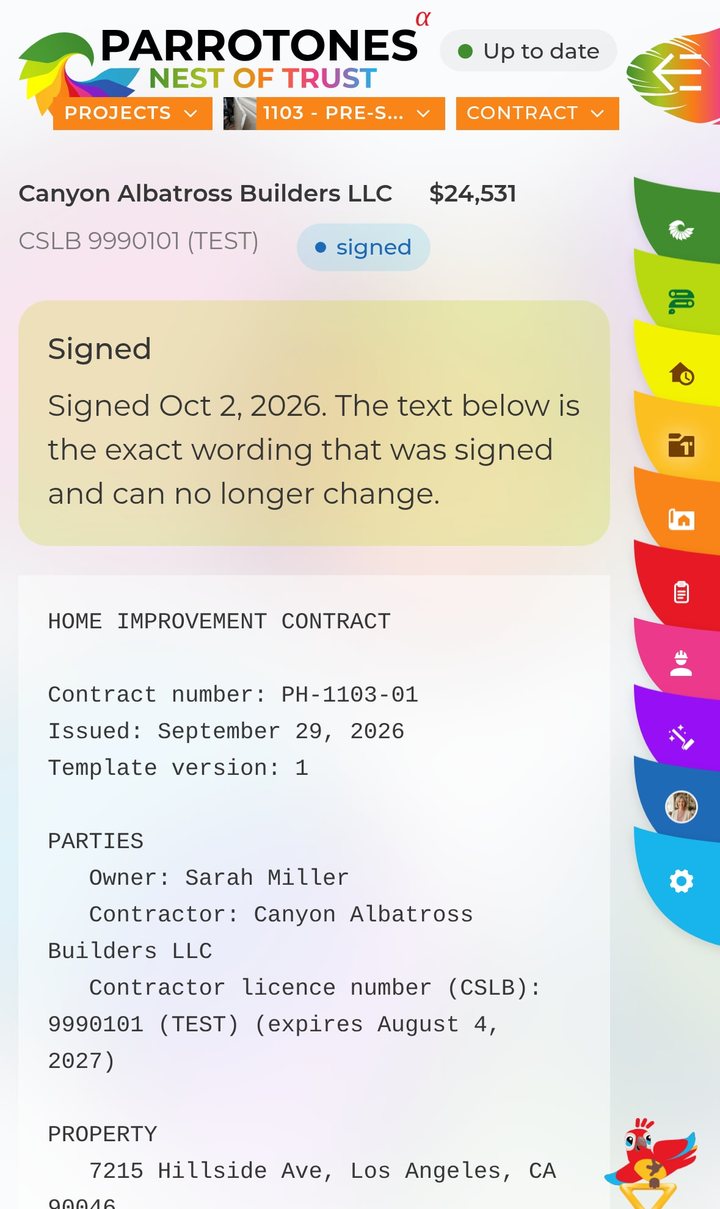
Sign in the app

You and the crew sign on the screen. The payment schedule comes with the contract.

Locked text

The signed wording can no longer change.

Clear payment stages

What each stage covers and when it is due. You pay the crew directly.

Renovation Hub app: home improvement contract signed in the app
Stage 4 · Build

Watch the work, day by day

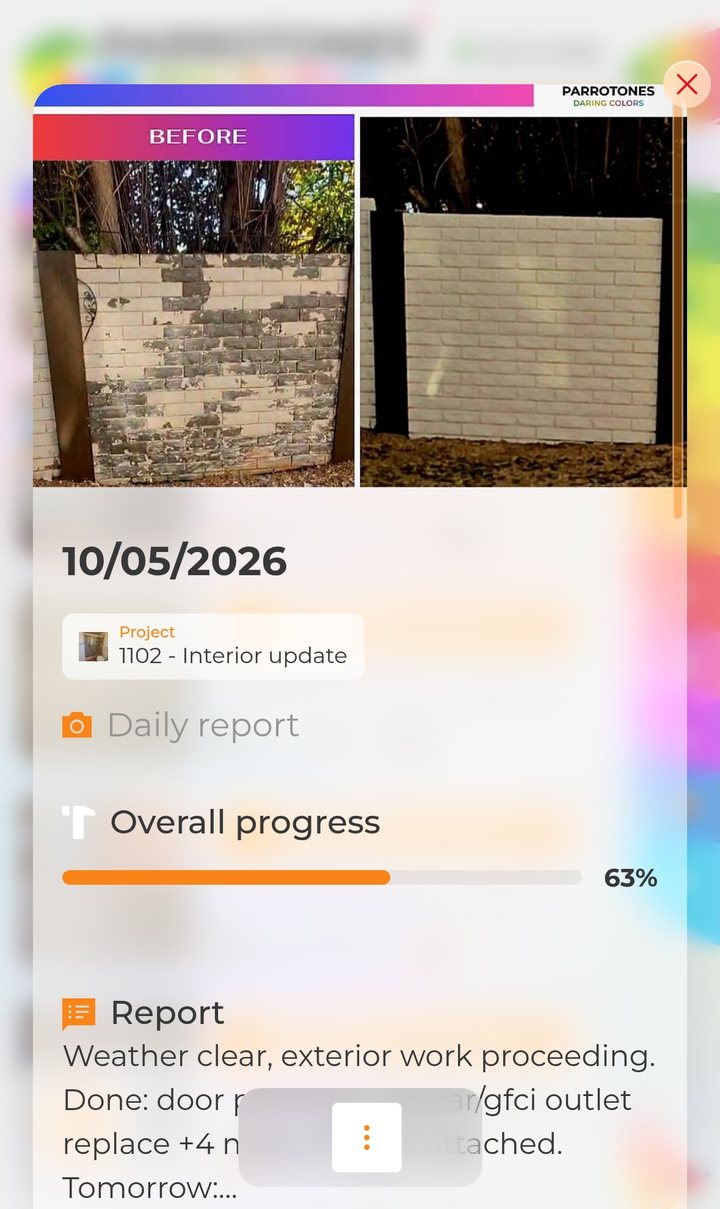
The crew files a report every workday. Something looks off? Start a thread right from the photo.

Daily reports

Photos, before and after, and notes from the site.

Progress against the plan

Time, labor and operations at a glance.

Renovation Hub app: daily report with before and after photos and overall progress
Stage 5 · Changes

No surprise extras

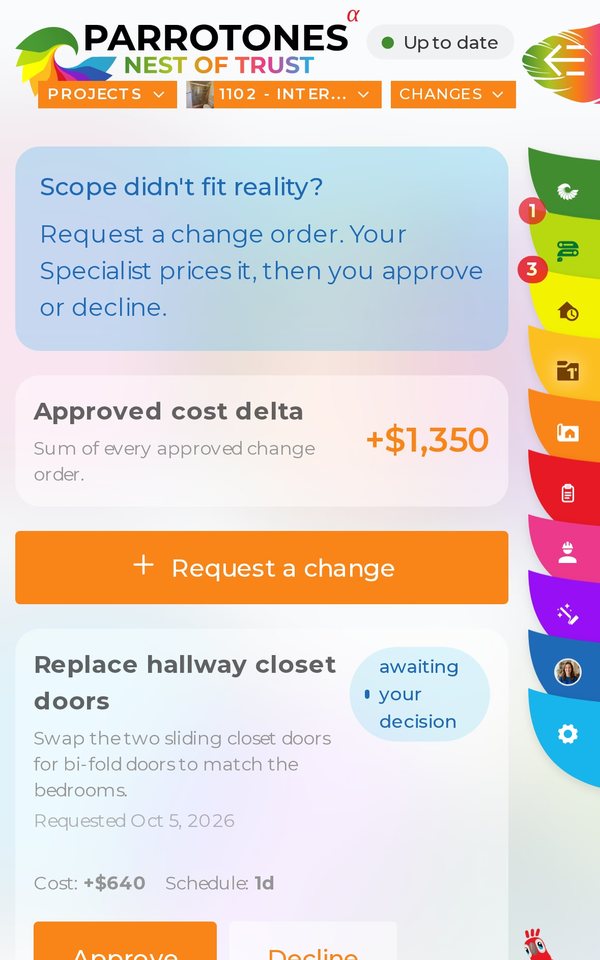
Hidden damage or a new idea? Request a change in the app.

Priced by your Specialist

You see the cost and the extra days before you decide.

Approved before the work

Nothing extra starts until you tap Approve.

Renovation Hub app: change orders with price and schedule impact, Approve and Decline buttons
Stage 6 · Walkthrough

Accept the work with a checklist

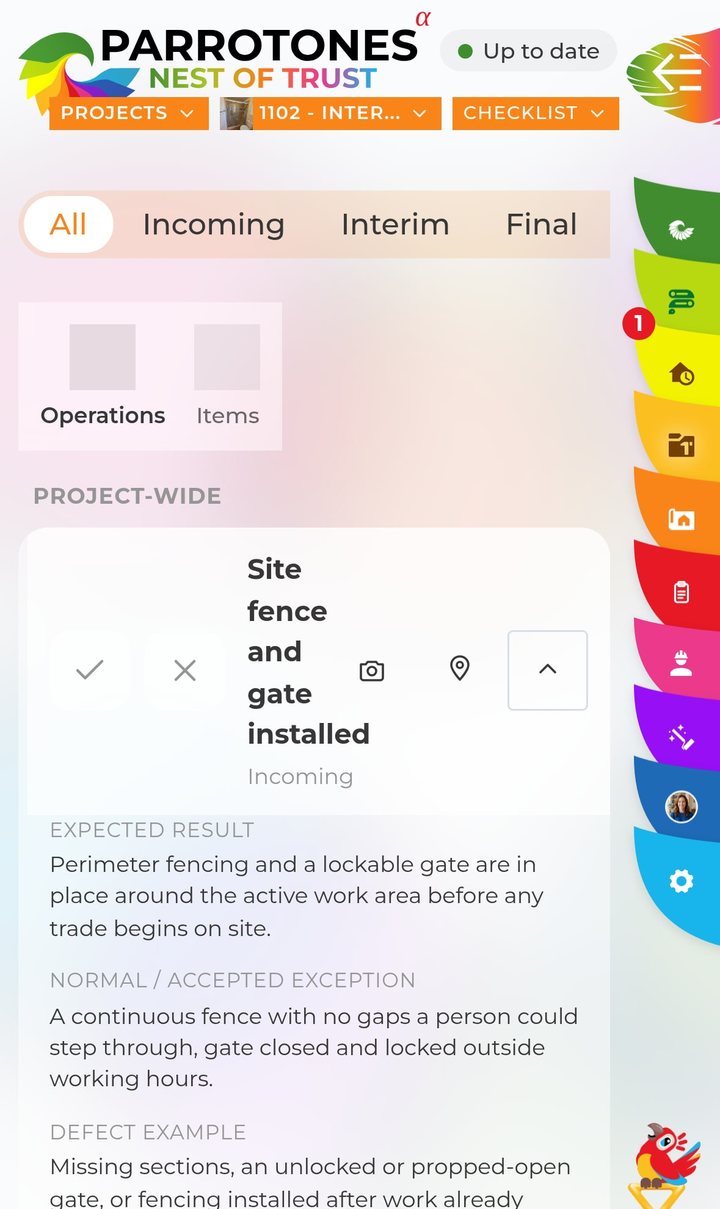
The final walkthrough goes item by item, with photos. Accept what is done, flag what is not.

What “done right” looks like

Each check shows the expected result, what is still acceptable and what a defect looks like.

Your Specialist checks it with you

And the project stays in the history of your home.

Renovation Hub app: checklist item with expected result, accepted exception and defect example

Manage it yourself, or hand it over

The same app either way. You choose how much you want to do.

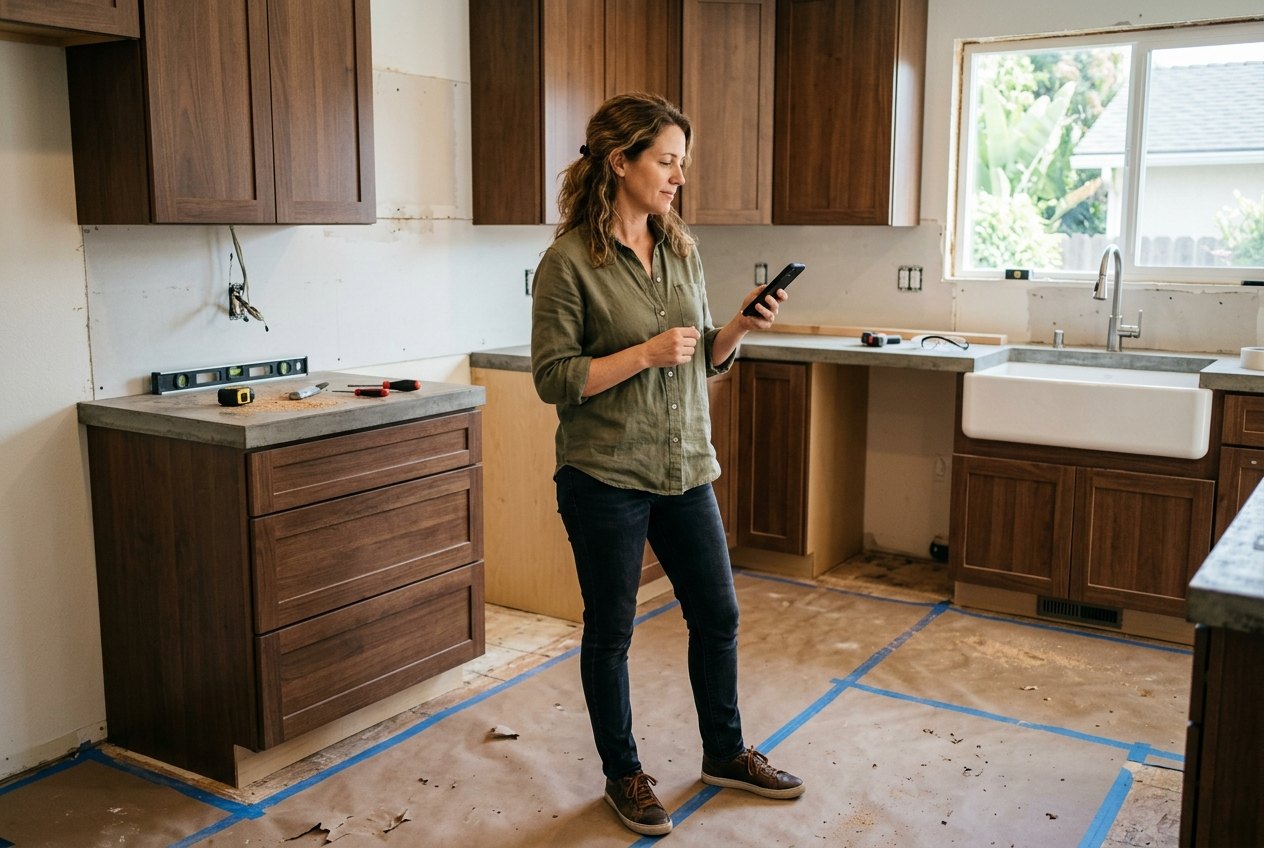
A homeowner checks her phone in a kitchen under renovation with new cabinets installed
Included

Run it yourself

Reports, changes, schedule and chat are all in your hands. Your Specialist is in the project chat whenever you want a second opinion.

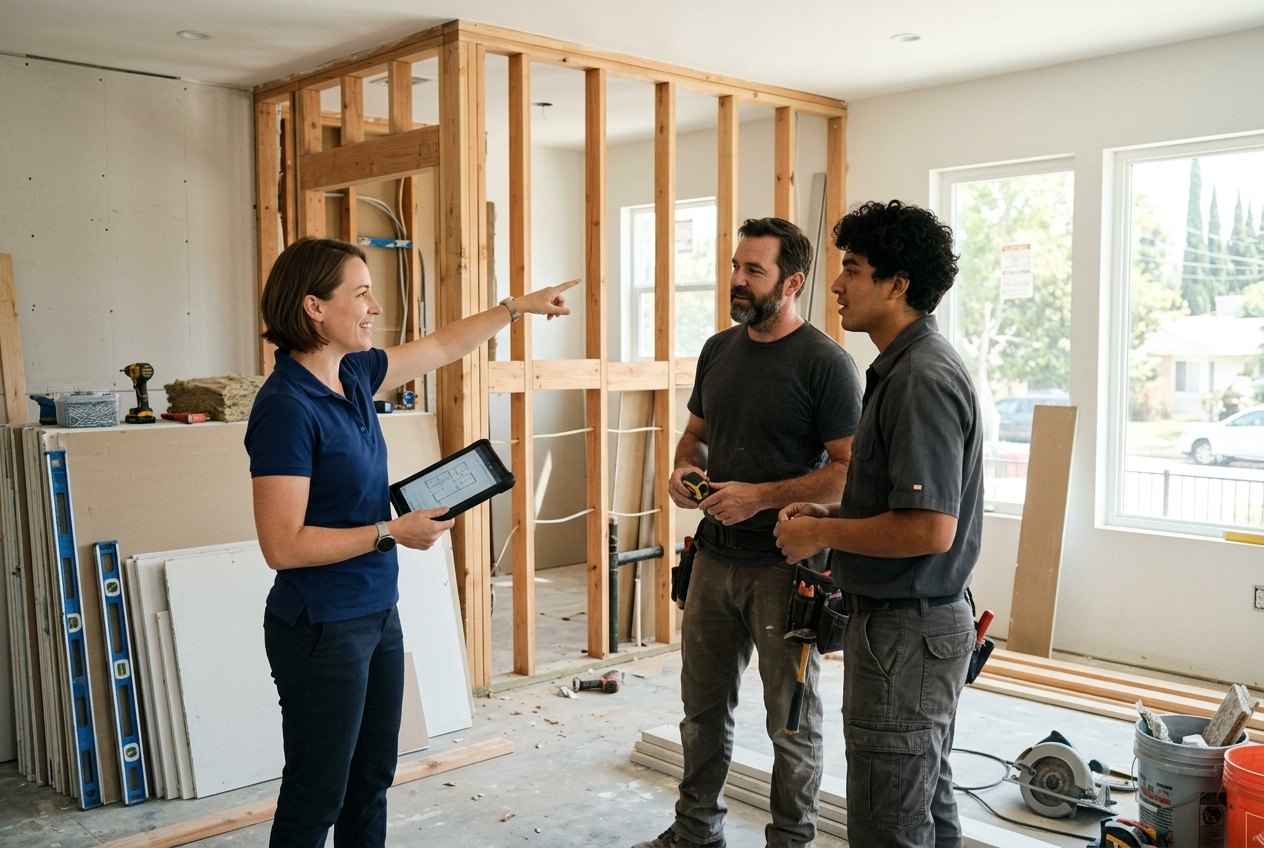
A project manager with a tablet points at a framed wall while talking to a two-person crew
Perk · 15% of total project cost

Hand it to a Project Manager

A Dedicated Project Manager supervises every stage, controls material purchases and schedules deliveries. For projects from $10,000.

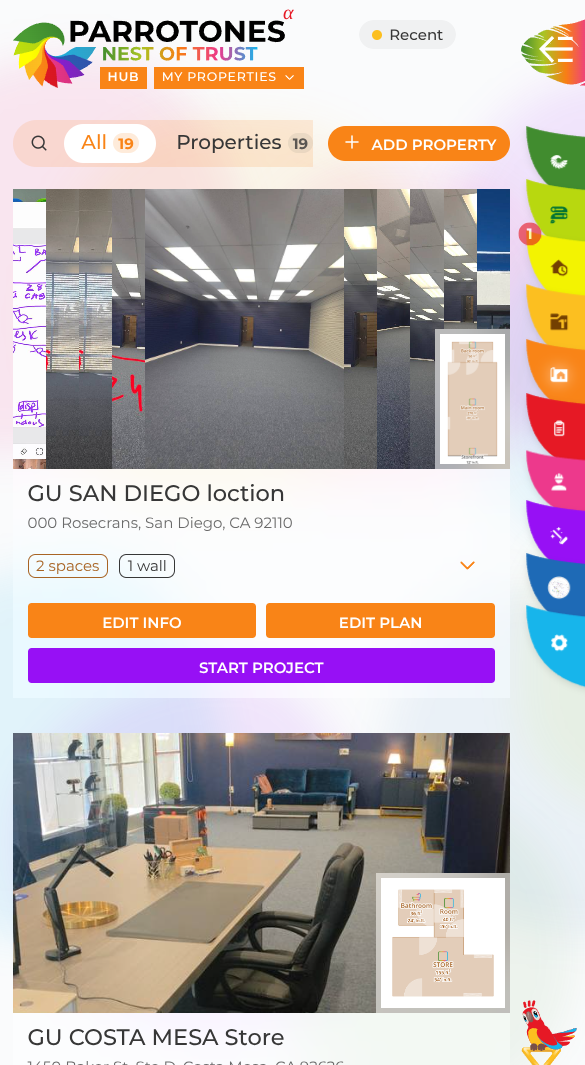
Renovation Hub app: My properties with photos, plans and spaces
Digital History · included in every plan

Every project stays in the history of your home

A digital passport of your property: what was done, with what, by whom and when.

Materials and work

Photos, prices and the crew.

Every change

Dated, signed, saved.

Plans and layouts

Stay with the property.

The next project

Starts from the property card.

For crews and Specialists

A digital toolbox for the job

Do it right the first time, buy the right materials and keep the crew on schedule.

Every offer comes already scoped by a Specialist, so there are no free estimating trips. The job brief, the standards each check is held to, a purchase plan, daily reports, the punch list and the chat with the customer all live in one app, online or off. Specialists get a console on top for visits, approvals and the schedule.

Register, get validated, choose your bird name.

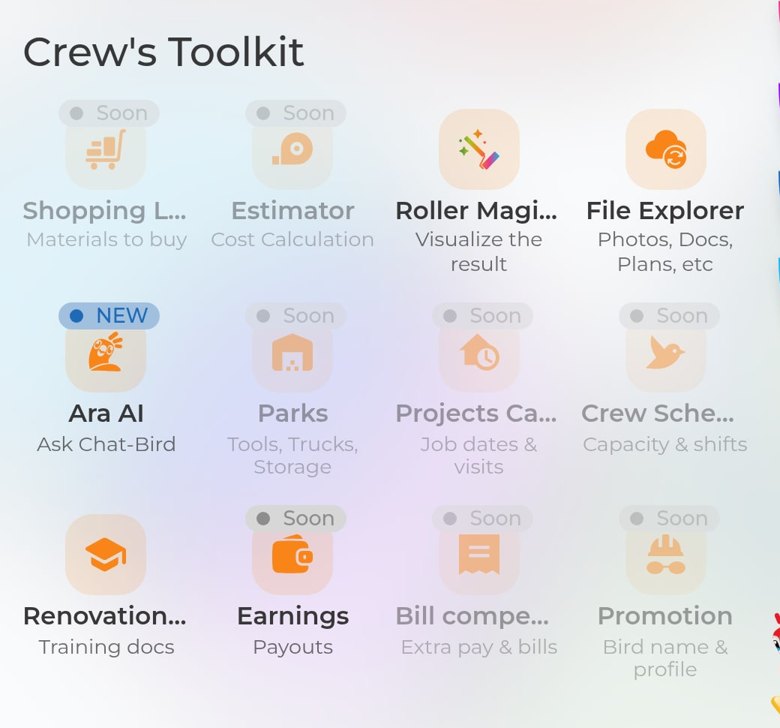
Renovation Hub app: Crew's Toolkit grid with shopping list, estimator, Ara AI and Renovation School
Free · while you plan

Just thinking about a remodel? Start now, for free.

No plan to buy, no visit to book. Prepare everything in Renovation Hub, and when you order a scope, your Specialist starts from what you already have.

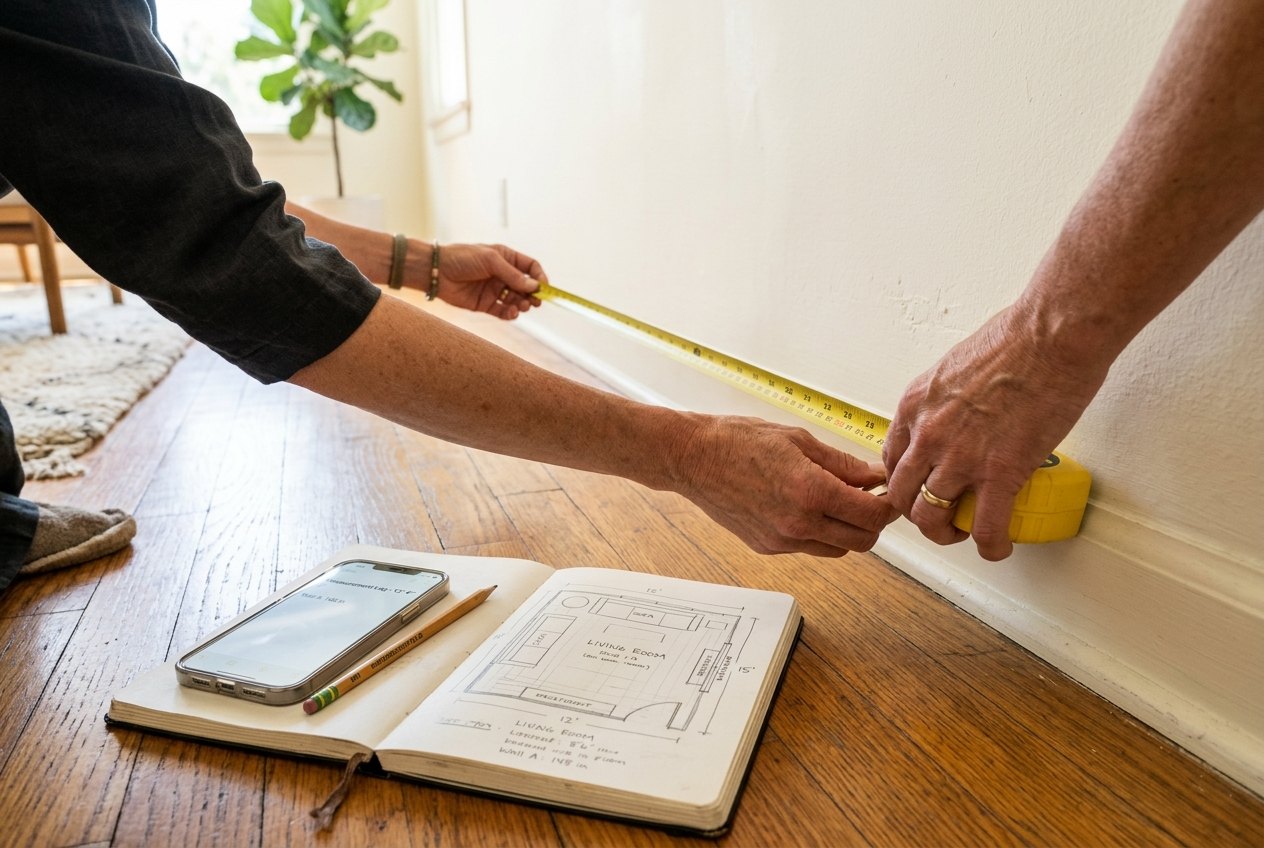
Hands measure a wall with a tape measure next to a notebook with a floor plan sketch
$0 · free

Draw your home

Floor plans with areas and wall totals calculated for you.

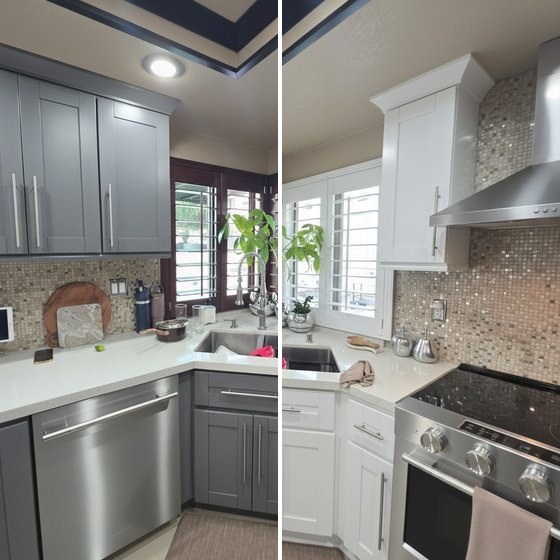
The same kitchen split in half: gray cabinets on the left, white cabinets on the right
$0 · free

Try designs on your photos

Roller Magic AI shows new finishes and colors in your own rooms.

Ara, the Parrotones macaw, hugging a California home
$0 · free

Ask Ara for a ballpark

A rough price and answers about scope, permits and next steps.

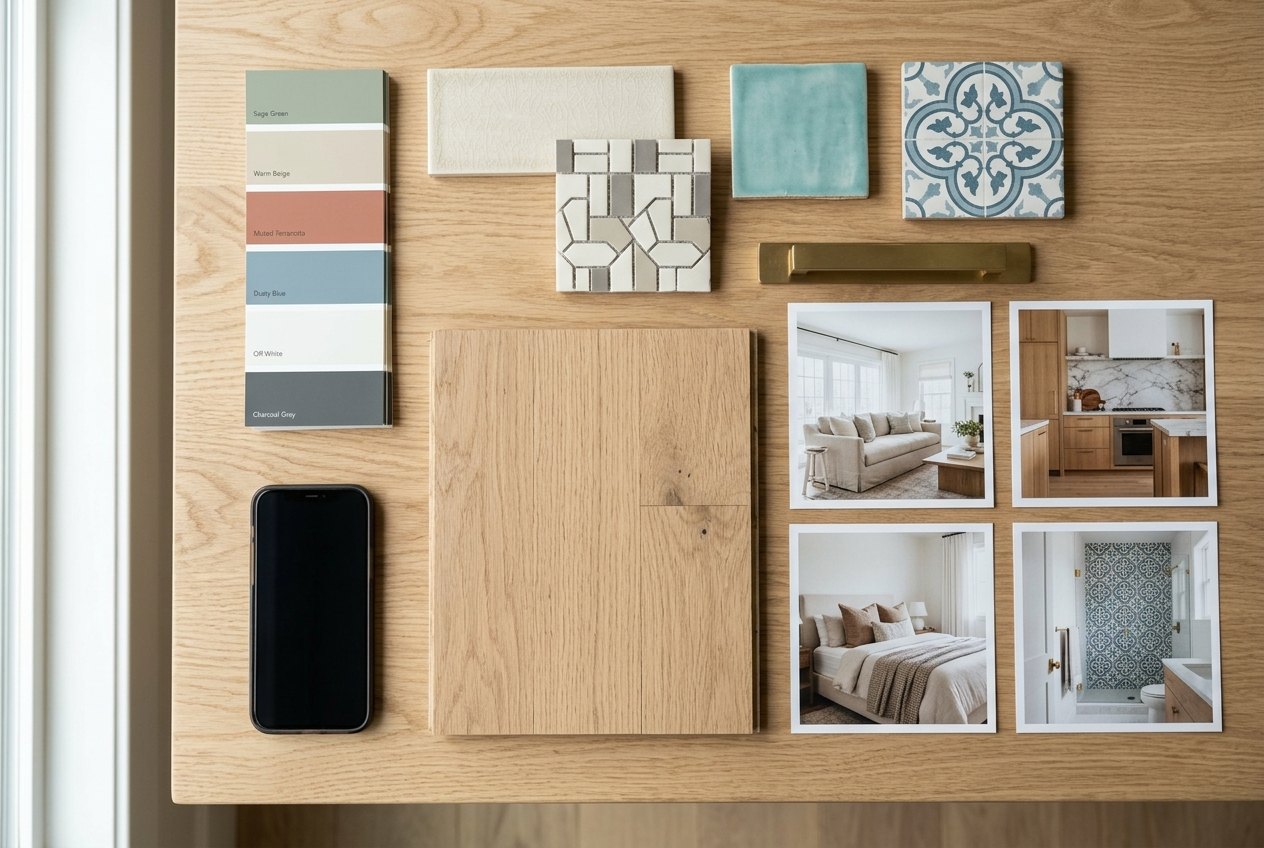
Paint swatches, tile samples, a wood sample and room photos laid out on a table
$0 · free

Save and share

Keep ideas, photos and plans in My properties and share them with family.

Free to start

Your renovation, in your pocket

Plan for free today. Order a scope when you are ready, and run the whole build from your phone: bids, contract, daily reports, changes and the walkthrough.

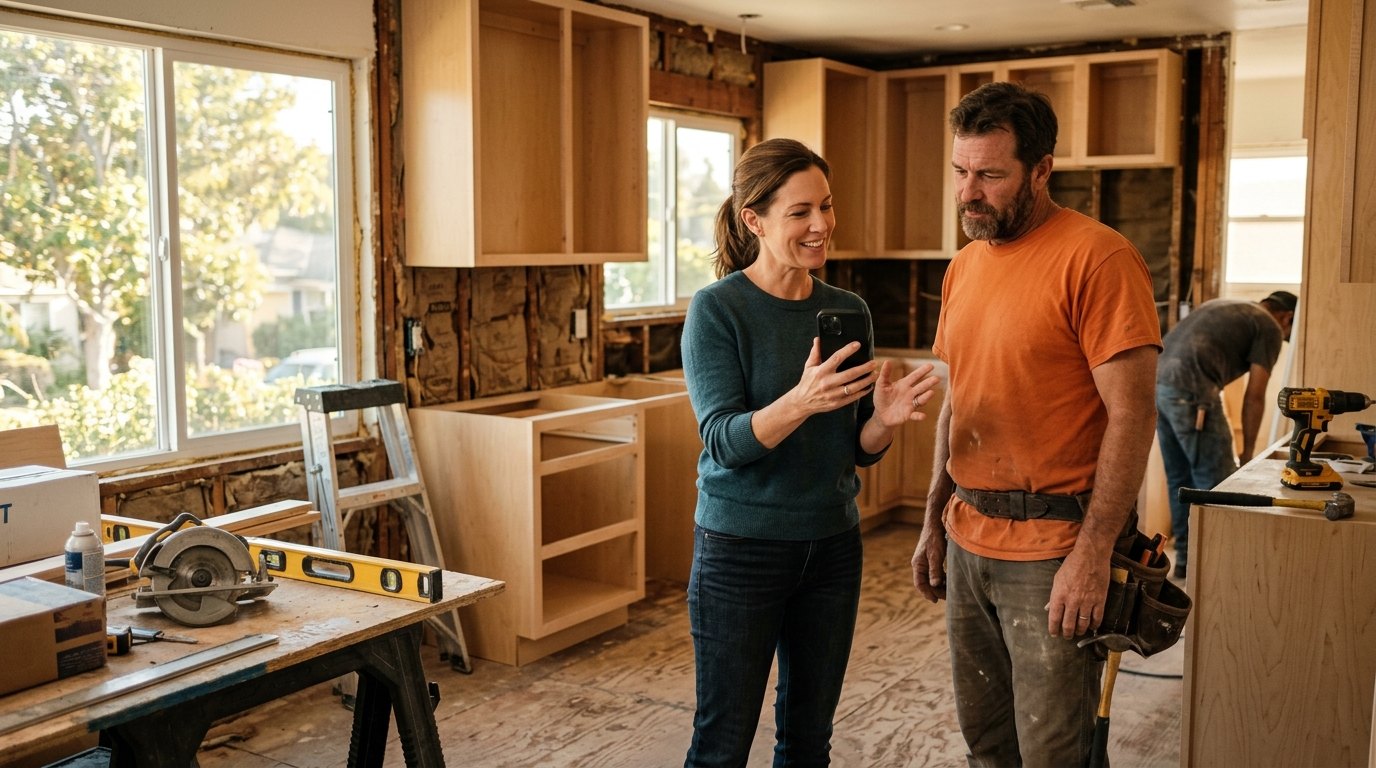
A homeowner shows her phone to a crew foreman in a kitchen under renovation
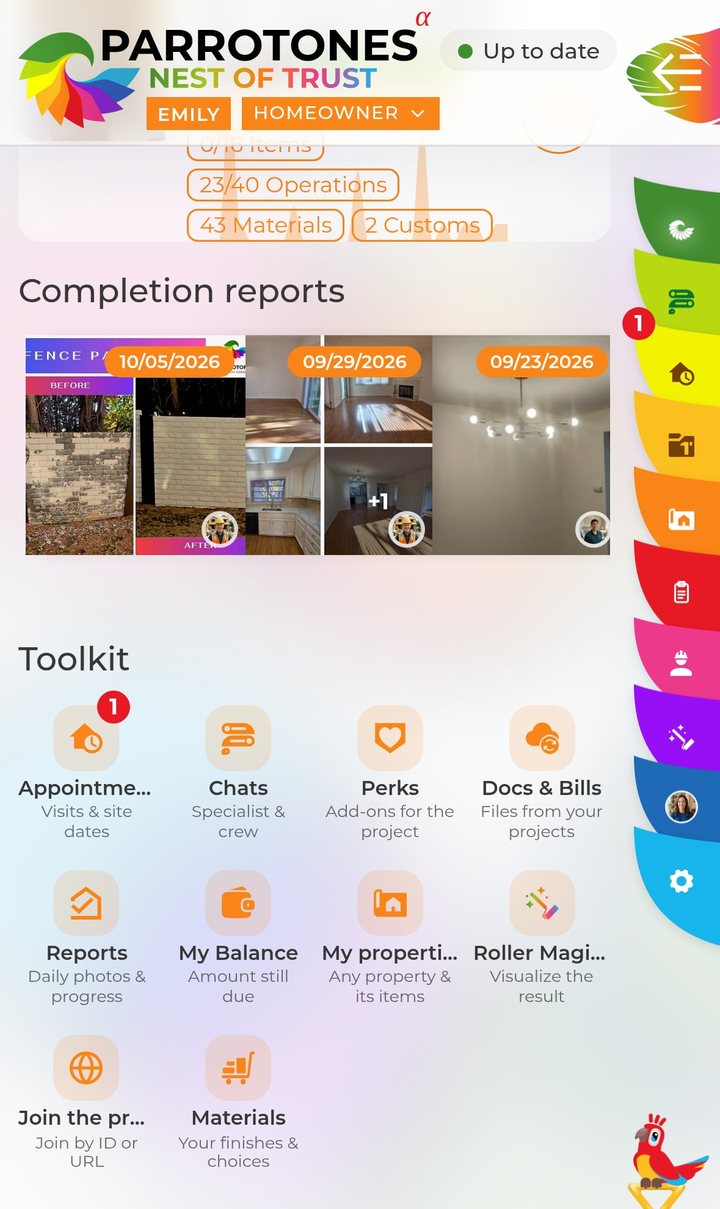
Renovation Hub app: home screen with completion reports and the customer toolkit

Questions about the app

No. Lead sites pass your phone number to several contractors, and each quotes their own idea of the job. Here a Renovation Specialist writes one scope of work, vetted crews bid on that same scope, and the whole build runs in one app: contract, daily reports, change orders and the final walkthrough.

The account and the planning tools are free: floor plans, design previews on your photos, Ara AI and My properties. You pay Parrotones for the plan you order (a Scope, from $199) and for any perks you add. See plans.

Every crew prices the same scope line by line, so you see exactly where the prices differ. Next to the bids the app shows a market price for your area, built from recent local bids and market research. You can also limit bidding to licensed, insured or bonded crews at no extra cost.

You or the crew open a change order in the app. Your Specialist prices it and shows the extra days, and nothing extra starts until you tap Approve. Every change is dated, signed and saved with the project.

The final walkthrough is a checklist, item by item, with photos. Each check shows the expected result, what is still acceptable and what a defect looks like. Accept what is done; anything left goes to a punch list that the crew closes in the app.

No. Parrotones does not hold money for the work. The price and payment terms are in your contract with the crew, and you pay the crew directly. The app keeps the payment schedule and receipts in one place.

Only the project team: you, your Specialist and the crews on the job, and each crew sees the part of the work it does. From Contacts you can invite a second customer, such as a spouse or a business partner, by text or email.

Yes. Open it in any modern browser, or add it to the home screen on iPhone and Android and use it like any other app. Projects you have opened stay on your device, and photos and reports added offline upload when you are back online.

Yes. Renovation Hub runs kitchen and bath remodels, whole-home renovations, ADUs and garage conversions, and commercial build-outs such as stores, restaurants, offices and clinics. It is built for renovation, not ground-up new construction. We work in California: Greater Los Angeles, the San Francisco Bay Area and Sacramento. Commercial projects.

Register as a Crew and apply for validation. Once validated, you get scoped offers in your Bid Inbox with photos, quantities and a deadline, and you bid labor and materials line by line. When you win, the contract, reports and the chat with the customer are already in the app. Terms for Crews.